Aurora Radios press kit
Logos, screenshots, descriptions and facts for writing about Aurora Radios.
Key facts
- Name
- Aurora Radios
- Developer
- Kingpindev (Burak Pekel)
- Platform
- Windows 10 (1809+) and Windows 11
- Category
- Music and audio
- Requires
- An internet connection
- Account and ads
- No account, no ads
- Website
- aurora.kingpindev.com
- Press contact
- admin@kingpindev.com
One line / Short description / Full description
One line
Aurora Radios plays live radio from around the world by mood, genre or country, with no account and no ads.
Short description
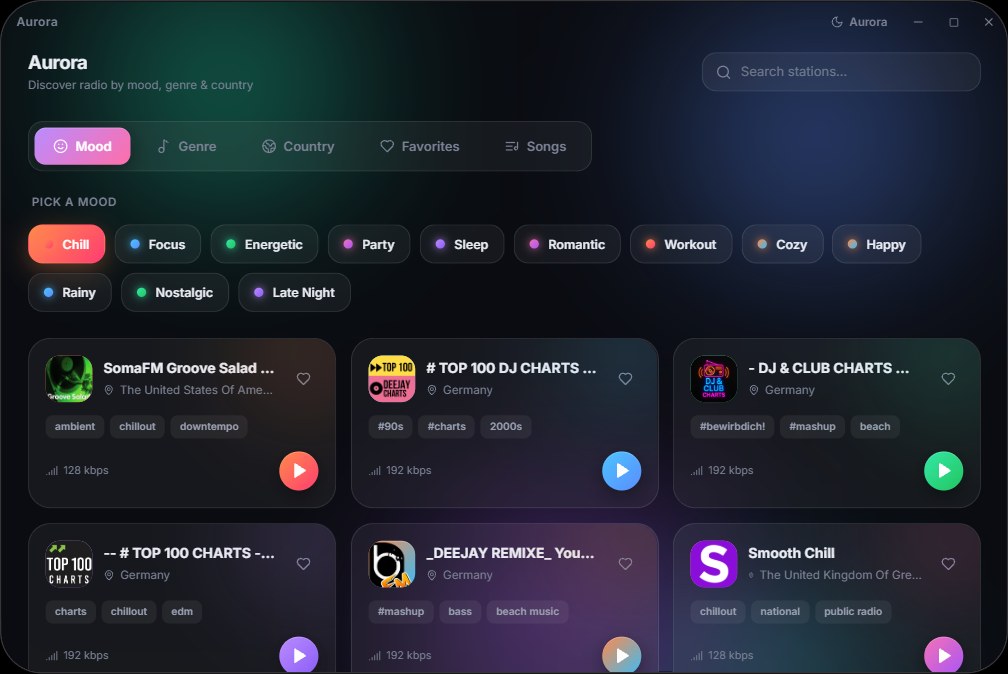
Aurora Radios is a Windows app for live radio. Pick a vibe like Chill, Focus or Late Night, browse by genre or country, see the song that is playing, save favourite stations and keep listening from the tray. No account, no ads.
Full description
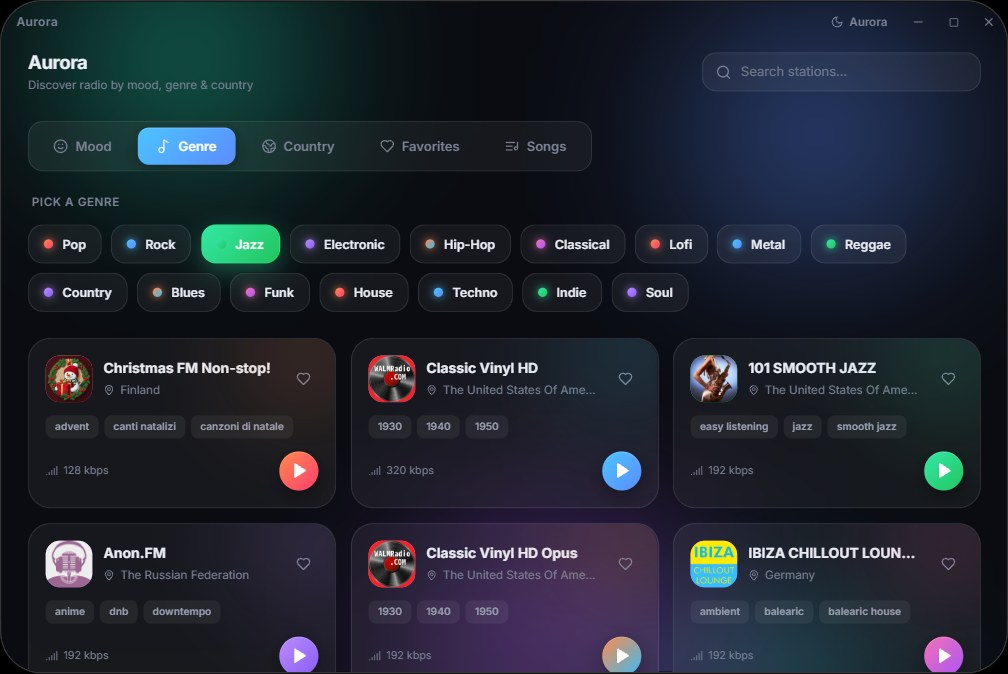
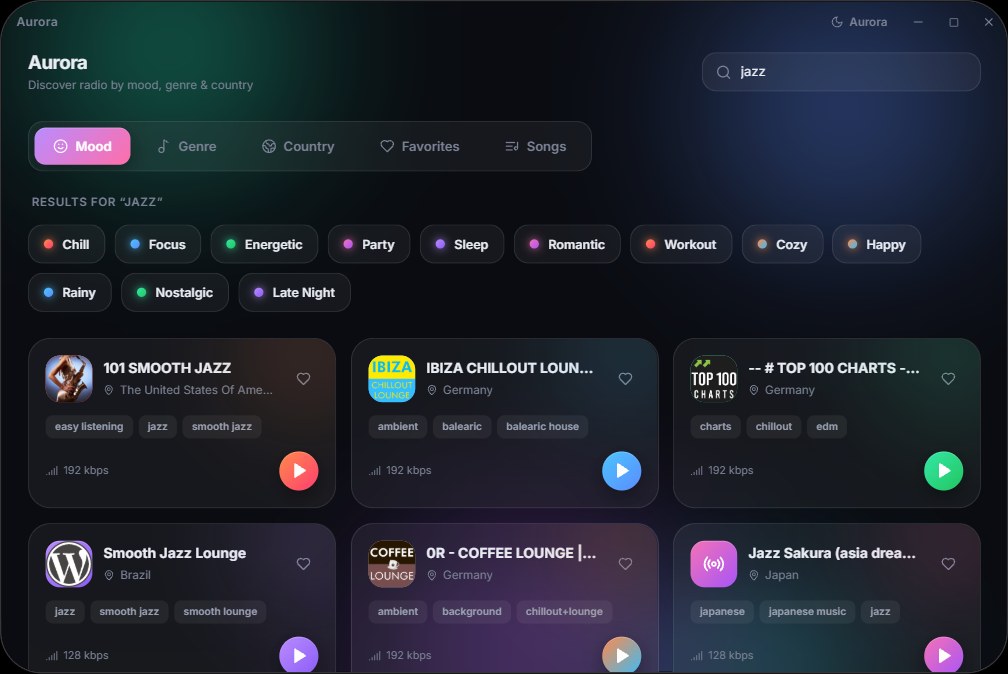
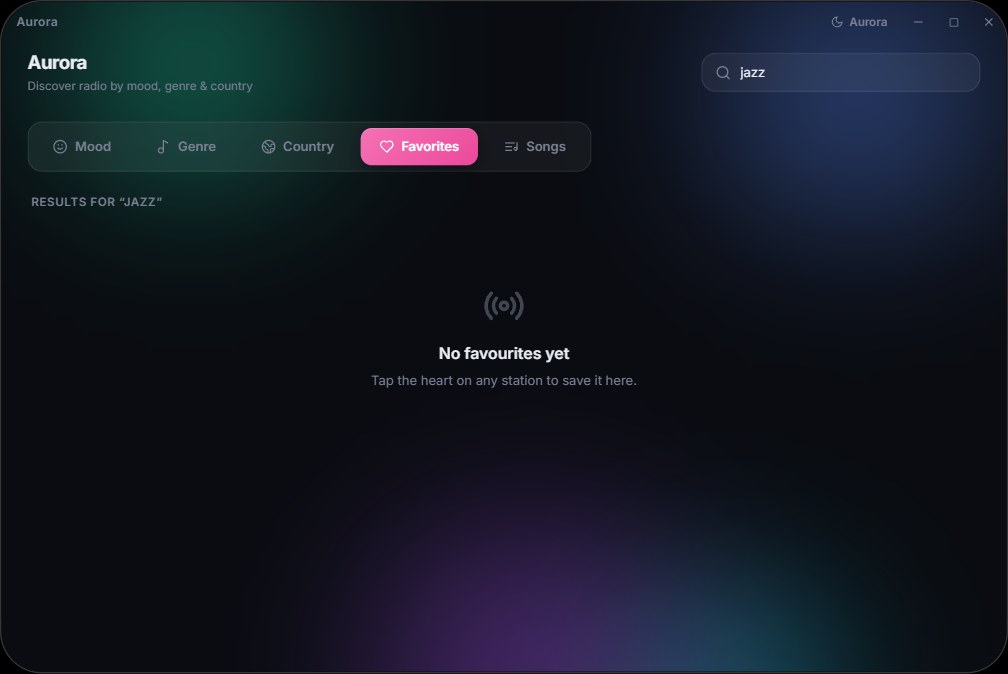
Aurora Radios is a Windows 10 and 11 app that makes live radio easy to discover. Choose a mood such as Chill, Focus, Energetic or Late Night, browse by genre, or explore stations from more than 200 countries, with search that updates as you type. See the artist and title that is playing on supported stations, like songs to keep a personal list and open them on Spotify, Apple Music or YouTube Music, and save your favourite stations. A full-screen Now playing view shows album art and a live equalizer, two themes (a deep animated Aurora theme and a Windows 11 Mica theme) set the look, and the app keeps playing from the system tray after you close the window, with optional Discord Rich Presence. Aurora Radios needs no account, shows no ads and is available on the Microsoft Store.
Downloads
Screenshots
Notes for writers
- Screenshots show live stations at the time they were taken. Station names and logos belong to their owners.
- Please do not alter the logo.
- When you write about Aurora Radios, please link to its Microsoft Store page or to aurora.kingpindev.com.
Ready to try Aurora Radios?
Get it from the Microsoft Store and set it up in a minute. Write to us at admin@kingpindev.com